Legacy System Challenges and the Technique for Each One
Eight legacy system challenges and the technique for each: outcome pivots, a SQL profiling kit, control totals for files, masked test copies and replay tests.
Luka Abramovic15 min read
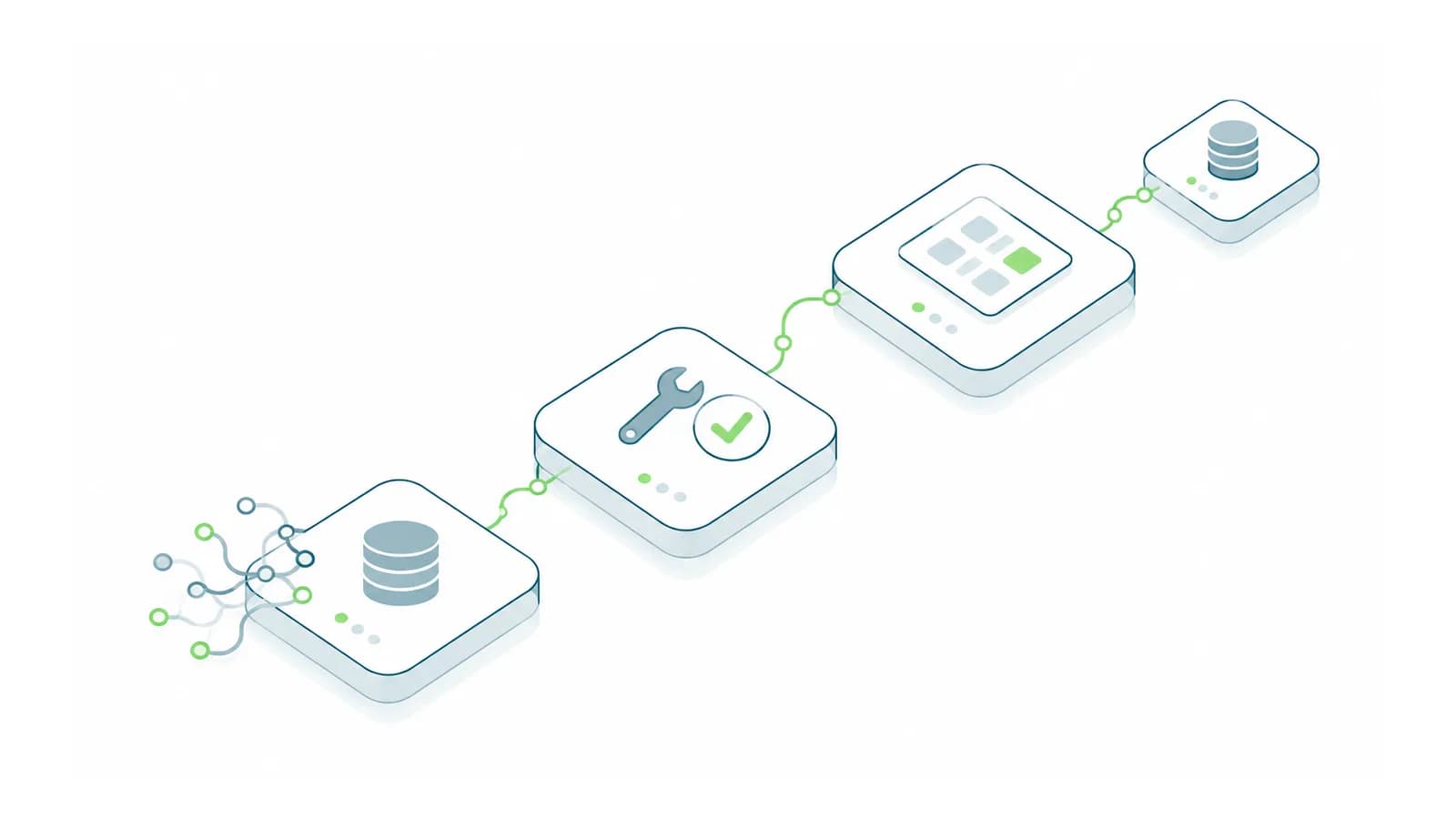
Legacy system challenges come down to one problem: you can't safely change what you can't observe. The fix is a small set of techniques that make an old system observable before anyone touches it. The most useful is also the simplest. Replay a month of real inputs through a copy of the system, save the outputs, and after every change compare the new outputs with the saved ones. Any difference is a bug until someone signs it off. Below are the eight challenges that make legacy systems expensive to change, with the technique for each and the queries and checklists to run it. If you first need to find out what your system does and depends on, our legacy system examples cover that discovery work.
1. The rules exist only in the code and in people
Someone asks why invoices for one kind of customer get different terms, and nobody knows. The rule was right when it was written, for a situation that may no longer exist, and it has been load-bearing ever since. Reading the code finds some rules. Reading the data finds them without opening the code, because every rule that changes an outcome leaves a pattern in the decisions the system recorded. We call the technique an outcome pivot:
- Pick one decision the system makes: payment terms, approval routing, a price, a priority.
- Export twelve months of records with the outcome of that decision and every attribute that might drive it: customer type, amount, region, product line, who entered it.
- In Excel, use Insert > PivotTable with a candidate attribute as rows, the outcome as columns and a count as values.
- A row that is 100% one outcome is a rule. A row that is mixed means another attribute is involved, so add it as a second row field, or people are overriding the system by hand.
An illustrative example. Of 1,240 invoices, 212 got 60-day terms instead of 30. Pivoting terms against customer type shows type D holds 198 of the 212, but type D also has 41 invoices on 30 days, so type D alone isn't the rule. Adding an amount band splits it cleanly: all 198 type D invoices over $10,000 got 60 days, and all 41 under $10,000 got 30. The remaining 14 sixty-day invoices are spread across other types with no pattern, which points to manual overrides.
Write each finding as a sentence a manager would recognize: "Type D customers get 60-day terms on invoices over $10,000." Then ask the person who owns the process whether to keep it, change it or retire it, and ask separately whether manual overrides should exist at all. Retired rules shrink the job, and each kept rule becomes a test case for the replay harness in challenge 5.
2. The documentation describes an older version
There is documentation. It is confident, detailed and wrong in the places that matter, because it was written at launch and the system kept changing. It is more dangerous than no documentation, because plans built on it look well founded. Treat it as a list of claims to test:
- Highlight every sentence your planned change depends on.
- Turn each one into a check you can run on a test copy. "Orders over $5,000 need manager approval" becomes: enter an order for $5,001 and see whether it waits.
- Record the result in four columns: the claim, how you checked it, the result (true, false or partly true) and the date.
The most reliable documentation of a legacy system is its own output: invoices it sent, files it exported, reports it printed. They show what actually happened. Put three real outputs next to what the manual says the system produces, and the differences tell you which parts of the manual to stop trusting.
3. The data model carries forgotten decisions
A status column with eleven values, three never used and two meaning the same thing. A column named for one thing that has held another for years. This matters more than the application code, because code can be rewritten, while years of data carrying implicit meaning has to be understood and migrated deliberately. Profile the data before designing anything. These queries only read data. Whoever has read access to the database can run them, replacing the table and column names with your own:
-- 1. Each status value: how many rows, and when it was first and last used
SELECT status, COUNT(*) AS row_count,
       MIN(created_at) AS first_used, MAX(created_at) AS last_used
FROM orders
GROUP BY status
ORDER BY row_count DESC;

-- 2. How often a column is empty: NULL, or blank text that COUNT() treats as filled
SELECT COUNT(*) AS total_rows,
       COUNT(*) - COUNT(email) AS email_null,
       SUM(CASE WHEN LTRIM(RTRIM(email)) = '' THEN 1 ELSE 0 END) AS email_blank
FROM customers;

-- 3. The date range, and dates that look like placeholders or typos
SELECT MIN(created_at) AS earliest, MAX(created_at) AS latest,
       SUM(CASE WHEN created_at < '1990-01-01' THEN 1 ELSE 0 END) AS before_1990,
       SUM(CASE WHEN created_at > CURRENT_TIMESTAMP THEN 1 ELSE 0 END) AS in_future
FROM orders;

-- 4. Values used fewer than 5 times: typos, one-off fixes or rare rules
SELECT payment_terms, COUNT(*) AS row_count
FROM orders
GROUP BY payment_terms
HAVING COUNT(*) < 5
ORDER BY row_count;

-- 5. A column that no longer holds what its name says (here, a fax column holding emails)
SELECT SUM(CASE WHEN fax IS NOT NULL THEN 1 ELSE 0 END) AS fax_filled,
       SUM(CASE WHEN fax LIKE '%@%' THEN 1 ELSE 0 END) AS fax_holding_email
FROM customers;
What each result tells you:
- Query 1: a status last used in 2019 belongs to a retired process, but its rows still need a home in any new system. A status first used recently may be a workaround, so find out who added it. Two values with similar counts over the same years may mean the same thing to two teams, so ask both teams.
- Query 2:
COUNT(email)counts an empty string as filled, so the blank count catches what the null count misses. A field the new system will require that is empty in a large share of rows means the migration will fail on load, unless you decide a default now. - Query 3: dates such as 1900-01-01 or 9999-12-31 are placeholders standing for "unknown" or "never". A new system that reads them as real dates sends reminders for 1900. The earliest genuine date tells you how much history the migration has to carry.
- Query 4: pull the rows behind each rare value and ask whoever entered them. Some are typos to clean up. Others are rare paths with real rules, the most dangerous kind, because tests built from typical data never reach them. Our default threshold is 5; raise it for tables with millions of rows.
- Query 5: a repurposed column should get its real name in the new model, and the migration should map meaning, not column names.
For customer, item and unit-of-measure master data, and for reconciling financial totals after a migration, our ERP integration guide goes further.
4. The only interface is a file export
The system can write a file on a schedule, but it can't accept instructions from outside or announce that a record changed. Integration means picking up files. Files fail in four quiet ways: they arrive half-written, they arrive twice, they arrive incomplete, or they don't arrive. Each has a simple defense:
- Half-written files: write to a temporary name, then rename. The sender writes
orders_20260930.csv.tmpand renames it to.csvonce the last line is written. The receiver only picks up*.csv. A rename within the same folder changes the name without rewriting the data, so the file appears only when it is complete. Moving it to another drive or server is a copy, which brings the half-written window back, so write the temporary file where the final one will live. - Incomplete files: control totals. Add a header line with the export date and a sequence number, and a trailer line with the row count and the sum of one amount column, such as
TRAILER,1284,583210.55. The receiver recomputes both before loading anything and rejects the file on a mismatch. A gap in the sequence numbers means a file went missing. If the old system can't add a trailer, a small script can query the same count and sum from its database at export time and write them to a separate control file next to the export. - Duplicate files: a fingerprint. Before loading, compute the file's SHA-256 hash (
Get-FileHash -Algorithm SHA256 file.csvin PowerShell,sha256sum file.csvon Linux) and keep a log of every hash loaded. The same hash twice is a re-send, so skip it. A hash won't catch a re-export whose content differs only by a timestamp, so the sequence number and a check on each row's key are still needed. - Missing files: alert on silence. A file that never arrives raises no error. Set a deadline, say 7:00 a.m. for a nightly export, and alert if nothing has been loaded by then.
Decide separately how fresh the receiving side really needs the data. A nightly file with these four defenses can be more dependable than a real-time connection forced onto a system that was never built for one.
5. There is nowhere safe to test
There is one environment, and it is production. Or there is a test copy last refreshed three years ago, where passing tests prove nothing. This drives up the cost of every other change, so build the safe copy first, as its own piece of work:
- Restore last night's backup to a separate server or virtual machine, never onto the production server.
- Cut its ties to the outside world before anyone signs in. A restored copy still holds production's settings, so it will send real emails, drop real files and call real endpoints. Stop its scheduled jobs (on SQL Server, stop the SQL Server Agent service on the test server), point outgoing mail at a dead end, and repoint every integration. The inventory of jobs and integrations from the discovery guide tells you where they all are.
- Make an explicit decision about personal data. A test copy is a copy of your customers' and employees' personal details, and test environments normally have more people in them, vendors included, and fewer controls. Choose one of three options and write down who approved it: mask the data, subset it, or keep it real and give the copy the same access controls as production.
- Label it. Change the company name or a banner on the copy to "TEST COPY" plus the refresh date, so nobody does real work there by mistake.
Masking replaces personal details but keeps the IDs, so records still join up. Run it on the copy only, and adjust the syntax and column names for your database:
UPDATE customers
SET name  = CONCAT('Customer ', customer_id),
    email = CONCAT('customer', customer_id, '@masked.invalid'),
    phone = NULL;

-- Must return 0 before anyone uses the copy
SELECT COUNT(*) FROM customers WHERE email NOT LIKE '%@masked.invalid';
If you subset instead, take whole customers with all their orders, invoices and payments, not a random sample of rows, or half the records in the copy will point at parents that aren't there.
Then build the replay harness from the introduction, which some teams call a golden master and others approval testing. Load last month's real inputs into the copy, run them, and save the outputs as the baseline. Check first that the copy reproduces what production actually produced last month. If it doesn't, the copy differs from production and needs fixing before it can prove anything. After each change, run the same inputs again and compare. If both outputs are loaded as tables, two queries do the comparison:
-- Rows the old version produced that the new one did not
SELECT invoice_no, customer_id, line_total FROM baseline_output
EXCEPT
SELECT invoice_no, customer_id, line_total FROM new_output;

-- Rows the new version produced that the old one did not
SELECT invoice_no, customer_id, line_total FROM new_output
EXCEPT
SELECT invoice_no, customer_id, line_total FROM baseline_output;
Both empty means behavior is unchanged. Three details decide whether this works. Compare business columns only, because run timestamps and generated IDs differ on every run and would drown the real differences. Run the replay as of the original dates, because date-driven rules such as aging, due dates and late fees give different answers on a different day. And treat a one-cent difference as real: one cause is rounding that moved from line level to invoice level. The rules you confirmed in challenge 1 go in as named test cases. Michael Feathers calls these characterization tests in Working Effectively with Legacy Code, the book that defines legacy code as code without tests: they record what the system does today, right or wrong, so any change to it is visible.
6. A customization blocks every upgrade
A modification made years ago would be overwritten by the vendor's updates, and nobody is sure what it does, so the system falls further behind with every release. Listing the customizations is discovery work. Getting rid of one safely is a technique Martin Fowler named the strangler fig application in 2004, after the fig that grows around a host tree until it can stand on its own. The new implementation grows alongside the old one and takes over one piece at a time:
- Pin the customization's current behavior with the replay harness from challenge 5, using a month of the transactions it touches.
- Rebuild that behavior outside the vendor's code, as an extension using the vendor's supported extension points, or as a small service that reacts to the ERP through its API.
- Run both side by side. The old customization stays in charge while the new one computes the same results into a separate table, and you compare the two after each cycle.
- Switch over once the comparison is clean. Our rule for anything that touches money is two consecutive month-end closes with no unexplained differences.
- Remove the old modification, take the vendor update in a sandbox, and run the replay once more before updating production.
Doing this one customization at a time means every step can be undone, and the upgrade you have been postponing arrives as a series of small changes instead of one large project.
7. Access is all or nothing
The system has two kinds of user: those who can do almost nothing, and administrators. So everyone who needs to do real work becomes an administrator, and every integration you build inherits more power than its task needs. Where the system can't express the permissions you need, put a narrow front door in front of it, a pattern usually called a facade:
- List the operations people actually perform. A week of watching, or the system's own logs if it keeps any, gives you the list: change a delivery date, put an account on hold, export the month's orders.
- For each operation, write who may do it, on which records and within what limits.
- Build a small service that holds the one administrator credential and offers only those operations, each checked against your rules. People sign in to it with their normal company login, and it records who did what, when, with the before and after values.
- Remove administrator rights from everyone who now works through it.
The facade gives you the audit trail the old system never had. It becomes the security boundary, so keep it small and give its credential a dedicated service account. And when you eventually replace the old system, the facade is where you switch over: you change what sits behind it, and the people using it don't notice.
8. The person who runs it also changes it
One person understands the system and keeps it running day to day. Every change competes with operational work, operational work always wins, and the knowledge stays in one head. Measure the dependency with what we call the two-week vacation test:
- Ask the key person to list everything they did for the system last month, including what they fix without being asked. Those unrequested fixes are undocumented rules, and they belong on the list from challenge 1.
- Against each item, answer one question: if they were away for two weeks with no phone, would it wait, would someone else do it, or would it break?
- For every item marked "break", the key person writes the steps down and someone else carries them out while the key person watches without touching the keyboard. Where the second person gets stuck is where the documentation has gaps.
- Then run the real test. The key person takes two weeks off, and the stand-in logs every question they would have asked.
Separate running the system from changing it before significant work starts. Our default is that the key person keeps running it and reviews the change work for a couple of hours a week, while someone else makes the changes. If the key person makes the changes, operations always win. If someone else does both jobs, the knowledge never moves.
The order of work, and when each step is done
These challenges compound, so the order matters more than any single technique. Each step has a test for when it is finished.
| Step | Work | Done when |
|---|---|---|
| 1 | Discovery: jobs, credentials, integrations, limits | Every question on the discovery sheet has an answer or a named risk |
| 2 | Build the safe copy: restore, cut outside ties, decide on personal data, label | The copy reproduces last month's production outputs exactly |
| 3 | Recover the rules: outcome pivots and the profiling queries | Each rule is a sentence the process owner has marked keep, change or retire |
| 4 | Pin behavior with the replay harness | A replay on the unchanged copy shows no differences |
| 5 | Run the vacation test and separate running from changing | The stand-in has covered two weeks without calling the key person |
| 6 | Decide: keep and repair, integrate, replace or rebuild | A scoped first change with its own replay test |
| 7 | Change one piece at a time: facade, file controls, strangler fig | Two clean cycles, then switch over and remove the old piece |
The decision sits at step 6, after the evidence exists. How to make it is the subject of our integrate, replace or build guide.
If you are about to change a system that still carries real load, bring one of its outputs (an invoice run, a nightly file or a report) and the change you have been postponing. We would start by checking whether a copy of the system can reproduce that output exactly, because that tells us how much of the rest can be proven. Our software improvement and rebuild work starts from that assessment.