Types of Document Management Systems, and Which One Each Document Set Needs
The six types of document management systems, with named examples, signs a document set is in the wrong one, and a worksheet to sort your top 10 sets.
Luka Abramovic14 min read
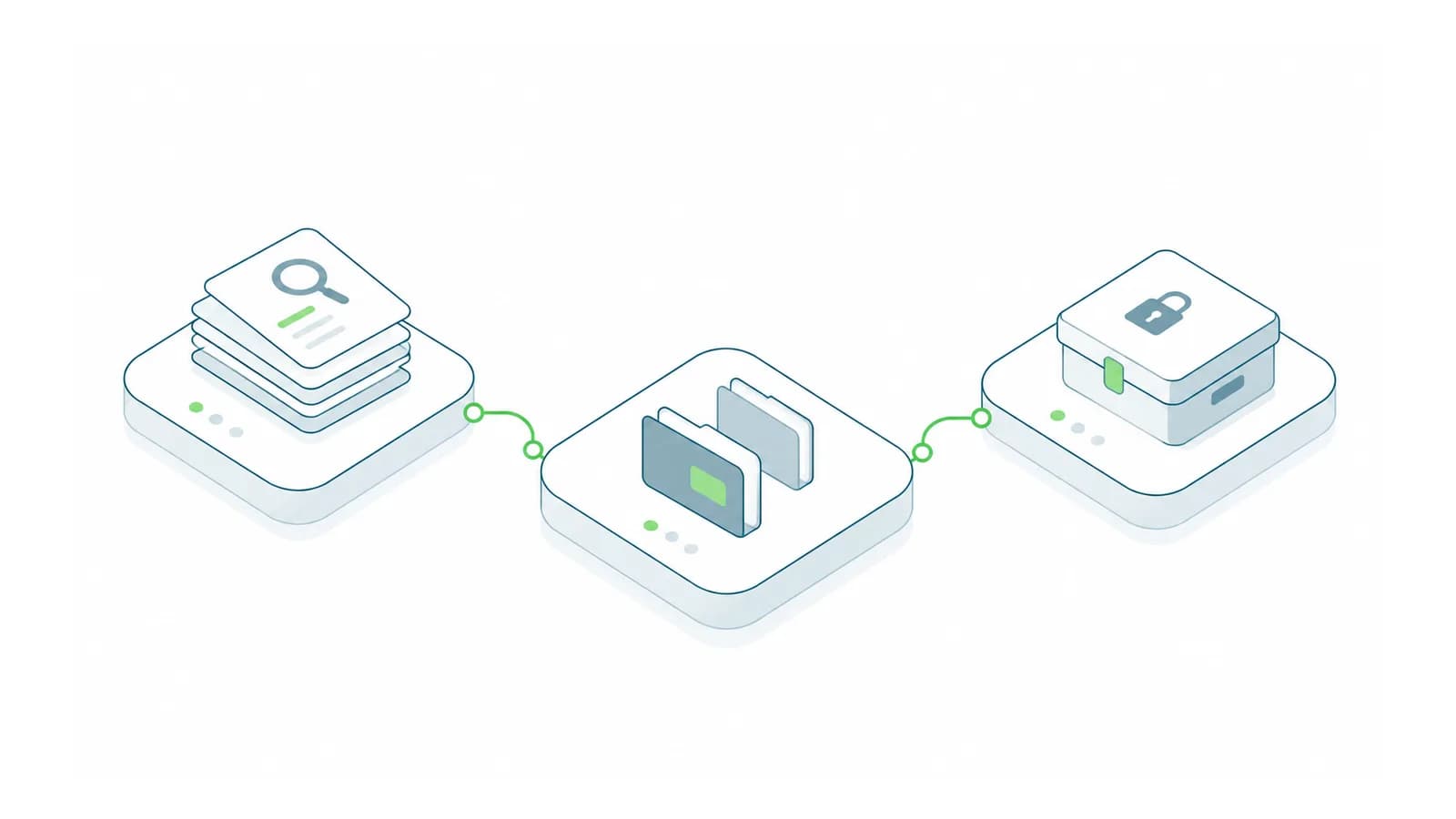
There are six practical types of document management systems: shared drives and cloud storage, collaboration platforms, controlled document systems, records management, document handling inside a line-of-business system, and search layers across the others. You choose the type per document set, not per company. Four questions decide it: does anyone need to prove which revision was in force on a date, is there a rule for how long it must be kept, does it only matter beside one business record, and is it still being written by several people? A folder full of names like Spec_FINAL_v3_JS.docx is the plainest sign that a set is in the wrong type.
Most established businesses need three or four types at once, and that is fine. The cost comes from a document set living in the wrong one. Below, each type gets named examples, what it is good at, where it fails and the telltale sign that it holds the wrong documents. After that: a table of symptoms, a worksheet for sorting your ten most important document sets, and a rough guide to where the money and effort go. Product behavior is as of September 2026.
1. Shared drives and cloud storage
Examples: a Windows file server share (the S: drive), OneDrive, Google Drive, Dropbox, Box.
Good at: accepting anything, with no training and almost no setup. For drafts, working files and material whose loss would be an inconvenience rather than a problem, it is the right answer.
Where it fails: anything that depends on knowing which copy is authoritative. Version history here is a safety net for undoing mistakes, not a record of what was approved. Google Drive, for example, keeps earlier versions of uploaded files for 30 days or 100 versions, whichever comes first, unless someone marks a version "Keep forever" (Google Drive Help). Microsoft 365 libraries can be set to thin out old versions automatically. Neither can reliably tell you what was in force two years ago.
The telltale sign: status in the file name. Spec_FINAL_v3_JS.docx sitting next to Spec_FINAL_v3_JS (1).docx means people are doing by hand what the system can't: marking which revision is current, who touched it last and whether it was approved. Once a set's file names carry "final", "approved" or initials, it has outgrown this type.
What to do: find where it is happening. This PowerShell command lists the 20 folders with the most files whose names carry status words, version numbers or copy numbers. It only reads, and anyone can run it on a PC that can see the drive, including a synced Dropbox or Google Drive folder. Change S:\ to your drive or folder.
Get-ChildItem -LiteralPath "S:\" -Recurse -File -ErrorAction SilentlyContinue |
  Where-Object { $_.Name -match 'final|approved|signed|(^|[^a-z])v\d|\(\d\)|copy of' } |
  Group-Object DirectoryName | Sort-Object Count -Descending |
  Select-Object -First 20 Count, Name
The folders at the top of that list are your first candidates for a controlled home. Everything else can stay where it is.
2. Collaboration platforms
Examples: SharePoint team sites and Microsoft Teams (each team's files live in a SharePoint site, with a folder for each channel, according to Microsoft), Google Docs in shared drives, Confluence, Notion.
Good at: several people writing the same thing at once, with comments and a history of who changed what. Procedures being drafted, project notes and internal knowledge pages belong here, as long as the current text is all anyone needs.
Where it fails: approval as a single recorded event. These tools record continuous change well. A sign-off that says "this exact text was approved by this person on this date" is a different thing, and unless the product has a formal approval feature that people actually use, that record doesn't exist. Permissions follow the site or workspace, which was designed around teams rather than sensitivity, so a confidential page in an open space is open. And sharing one file with someone outside the team quietly creates a permission exception that nobody reviews.
The telltale sign: people export pages to PDF "to freeze them", or ask in chat whether the policy page is the approved version. Both mean the set needs a controlled home for its approved revisions, even if drafting stays here.
What to do: keep drafting here and publish approved revisions somewhere controlled, with a link back. Then check the spaces themselves: for each workspace, list who can open it and compare that with the most sensitive thing stored in it, such as salary discussions, disciplinary notes or customer contract terms.
3. Controlled document systems
Examples: the document control module of quality management software, such as MasterControl, Veeva Vault QualityDocs or Qualio, for procedures, work instructions and forms. In engineering and construction, a common data environment (CDE) such as Autodesk Docs, Oracle Aconex or Bentley ProjectWise for drawings and project information. Or a SharePoint library configured with approval, check-out and fixed version limits.
Good at: proving revision, approval and distribution. Each revision is a distinct, approved item, superseded revisions are kept and marked, and you can say what was in force on any date. Quality standards ask for exactly this: ISO 9001 requires documented information to be reviewed, approved and changed under control, and the medical-device standard ISO 13485 still says in so many words that obsolete documents must be kept from unintended use.
Engineering and construction have the clearest model. ISO 19650, the international standard for managing information on building and infrastructure projects, organizes a CDE into four states (ISO 19650-1):
| State | What it means | Who may rely on it |
|---|---|---|
| Work in progress | Being developed by one team and not visible to others. | Only the team writing it |
| Shared | Checked and released to other teams for coordination and comment. | Other teams, for coordination only |
| Published | Authorized for use, for example for construction. | Anyone doing the work |
| Archived | Superseded or complete, kept as the record of what was shared and published, and when. | Anyone establishing what happened |
The idea worth borrowing, in any industry, is the gate between states. A document cannot move from work in progress to shared without a check, or from shared to published without an authorization, and every move is recorded. Anything people act on, whether a drawing or a procedure, should only ever come from the published state.
Where it fails: everyday speed. The controls that make it trustworthy make it slow for informal work, so putting every company document into one is an expensive mistake. People route around it, and the drafts end up back on the shared drive anyway.
The telltale sign: the approval is an email with the document attached. That email is the only evidence, it sits in one person's mailbox, and it cannot prove that the attachment matches the file now in the folder.
4. Records management
Examples: Microsoft Purview Records Management inside Microsoft 365, Google Vault for Google Workspace, and the records modules of enterprise content platforms such as OpenText.
What makes something a record: ISO 15489-1:2016 defines a record, in short, as information created or received and kept as evidence and as an asset, to meet legal obligations or in the course of business. A document becomes a record because of what it proves, not because it is finished: a signed contract, an approved timesheet, a filed tax return. The standard expects records to be authentic, reliable, complete and unaltered, and usable.
Good at: retention and disposal. Each record type gets a retention period. The system keeps it unaltered for that period, destroys it afterwards and keeps evidence that it did. A retention schedule is simply that list, per record type. For example, the IRS says to keep all records of employment taxes for at least 4 years (IRS Publication 15), so payroll records get at least that. Your legal and tax advisers set the rest.
A legal hold suspends disposal. When litigation is anticipated or under way, routine deletion of relevant material has to stop: under Federal Rule of Civil Procedure 37(e), a court can order measures against a party that failed to take reasonable steps to preserve electronically stored information, and harsher ones if it acted with intent (FRCP Rule 37). So a records system has to let a named person place a hold that overrides every retention rule.
Where it fails: anything still being worked on. Records management assumes a document has reached its final state, and applied to live drafts it gets in everyone's way.
The point most people miss: in Microsoft 365 and Google Workspace, records management is mainly a layer of retention labels and policies applied to files where they already live, not a separate place to move them. So the practical question is usually which of your existing stores get retention rules, not which sixth system to buy.
The telltale sign: ask who can say when the 2019 payroll files may be destroyed. If the answer is "we keep everything" or "whoever tidies up", the set has no retention rule, and both keeping and deleting are guesses.
5. Documents inside a line-of-business system
Examples: attachments on orders and vendor bills in an ERP such as NetSuite or Dynamics 365 Business Central, files on a customer or deal record in Salesforce or HubSpot, employee documents in an HR system, drawings and RFIs in a construction platform such as Procore.
Good at: keeping the document next to the thing it concerns. The signed order sits on the order and the certificate sits on the asset. Nobody has to search, and the document inherits the permissions of its record, which are usually already right.
Where it fails: finding things across records, and leaving. Search usually covers the record you are looking at, not the text inside every attachment. A bulk export can hand you thousands of files named scan0012.pdf with no link to the customer or order they belonged to. In some of these systems, file storage is also metered separately from the rest of the subscription, so check the allowance before you make one the home for every scan.
The telltale sign: the same signed contract exists on the CRM record, on the shared drive and in someone's email, and people disagree about which is current.
What to do: decide that the record is the home for that set and replace the other copies with links. Before committing, test the exit on one record: export all the attachments for one customer and check that each file can be traced back to its record.
6. Search and retrieval layers
Examples: Microsoft Search and Microsoft 365 Copilot across Microsoft 365, enterprise search tools such as Glean, or a custom retrieval system over several stores. A search layer answers questions across documents held in the other five types without moving them. It only works if it enforces each source's permissions exactly and can tell a published revision from a superseded one. How to evaluate one on your own documents is covered in our guide to AI document search for engineering teams.
Signs a document set is in the wrong type
| Symptom | What it tells you | Where the set belongs |
|---|---|---|
File names carry status or initials: FINAL_v3_JS, APPROVED, (1) | People are tracking revision and approval by hand. | Controlled document system |
| Nobody can say which revision was in force on a past date | There is no record of what was published when. | Controlled document system |
| The approval is an email with the document attached | The evidence sits in one mailbox and cannot be tied to the current file. | Controlled document system with recorded approval |
| Pages are exported to PDF "to freeze them" | A collaboration tool is being used to publish. | Draft in collaboration, publish to a controlled home |
| The same contract lives in the CRM, the shared drive and email | Documents tied to a record have no agreed home. | The line-of-business record, with links elsewhere |
| "We keep everything forever", or nobody knows when files can go | No retention rule exists. | Retention rules on whichever store holds the set |
| Finding anything means asking the one person who knows | Documents are stored but can't be found across stores. | Better metadata first, then a search layer |
| A confidential file turns up for people who shouldn't see it | Permissions follow a structure designed for teams, not sensitivity. | Any type, in a location whose permissions match the content |
Match the type to the document set
Ask the questions in the order of this table. The first match decides where a set lives. The retention row is different: it adds rules wherever the set ends up, and a search layer sits on top of everything.
| If the document set... | Type |
|---|---|
| Must prove which revision was in force, and who approved it | Controlled document system |
| Only makes sense beside one order, customer, employee, asset or job | Inside the line-of-business system |
| Is being written by several people and changes often | Collaboration platform |
| Is working material whose loss would be an inconvenience | Shared drive or cloud storage |
| Has a legal, contractual or regulatory retention period | Retention labels or records management, applied wherever it lives |
| Is needed to answer questions that span many sets | A search layer over the stores above |
| Would cause harm if the wrong colleague saw it | Whichever type can restrict access to that set alone |
Sort your top 10 document sets
Budget an hour with the two or three people who know where things live. A document set is a group of documents created, used and kept the same way: supplier invoices, drawings for active projects, HR policies, signed customer contracts.
- List your ten most important document sets, ranked by how much it would hurt if one were wrong or missing.
- For each, answer four questions yes or no. Q1: does anyone need to prove which revision was in force on a past date, or who approved it? Q2: is there a legal, contractual or regulatory period it must be kept for? Q3: does it only make sense beside one business record? Q4: is it still being written or changed by several people?
- Read off the type. A yes to Q1 means controlled. Otherwise a yes to Q3 means the line-of-business system. Otherwise a yes to Q4 means collaboration. Three noes means shared storage. A yes to Q2 adds a retention rule to whichever it is.
- Note where each set lives today, and mark every row where that differs from where it belongs. Those rows are your projects, in the order you ranked them.
An illustrative example, for a manufacturer of around 120 people:
| Document set | Q1 prove revision | Q2 retention rule | Q3 one record | Q4 co-written | Lives today | Belongs in |
|---|---|---|---|---|---|---|
| Work instructions and procedures | Yes | Yes | No | No | Shared drive, "FINAL" in names | Controlled, with retention |
| Customer drawings and specifications | Yes | Yes | No | No | Email and shared drive | Controlled, with retention |
| Signed customer contracts | No | Yes | Yes | No | CRM, shared drive and email | CRM record, with retention |
| Supplier invoices | No | Yes | Yes | No | Scans on the shared drive | ERP, on the vendor bill, with retention |
| Inspection reports | No | Yes | Yes | No | Paper, then scanned | ERP or production system, on the job, with retention |
| Employee files and payroll records | No | Yes | Yes | No | HR system and a locked folder | HR system, with retention |
| Project notes and meeting minutes | No | No | No | Yes | Teams | Collaboration (already right) |
| Marketing drafts | No | No | No | Yes | Google Drive | Collaboration (already right) |
In this example the first two rows are the priority: they are the sets where a wrong revision reaches a customer or the shop floor. Once you know the type for each set, the next step is testing products against it, which our document management requirements checklist turns into a 30-minute vendor demo.
Where the money and effort go
This is our judgment rather than price data, because license costs vary too much by vendor and plan to generalize. Where the effort lands is more predictable.
| Type | Software cost | Where the effort goes | The cost people miss |
|---|---|---|---|
| Shared drive or cloud storage | Usually already paid for | Almost none to start | Time spent finding and checking, which nobody budgets |
| Collaboration platform | Usually part of a suite you already have | Designing sites and permissions | Cleaning up over-sharing later |
| Controlled document system | Often a separate per-user license, including for people who only approve | Setting up approval workflows and loading current revisions | Validation work in regulated industries, and training occasional approvers |
| Records management | Often a higher-tier license or add-on | The retention schedule itself, which needs legal input | Storage for retained copies, such as SharePoint's Preservation Hold library |
| Inside a line-of-business system | Included, sometimes with metered storage | Agreeing the home and replacing copies with links | Exit: attachments that can't be traced back to their records |
| Search layer | Per user or per volume | Mapping permissions and testing on your own documents | Keeping it accurate as content and permissions change |
For the full arithmetic of license, configuration and exit costs over several years, see our breakdown of off-the-shelf software advantages and disadvantages.
If your inventory shows several sets in the wrong type and you are not sure which to move first, bring the filled-in table and one real file name from each marked row. We would look first at the sets where a wrong revision has consequences outside the company, because that is where the risk sits. Our internal AI systems work starts from exactly that list.