Find answers in company information
Search technical documents in natural language and inspect the supporting page and paragraph. TCE needed engineers to verify answers across bid packages, with permissions and document management around the search.
Business automation and integrations
We help established businesses replace repeated data entry, fragmented workflows and manual reporting with connected systems. We work with your existing tools and business rules, building custom software and AI capabilities where they solve a clear problem.
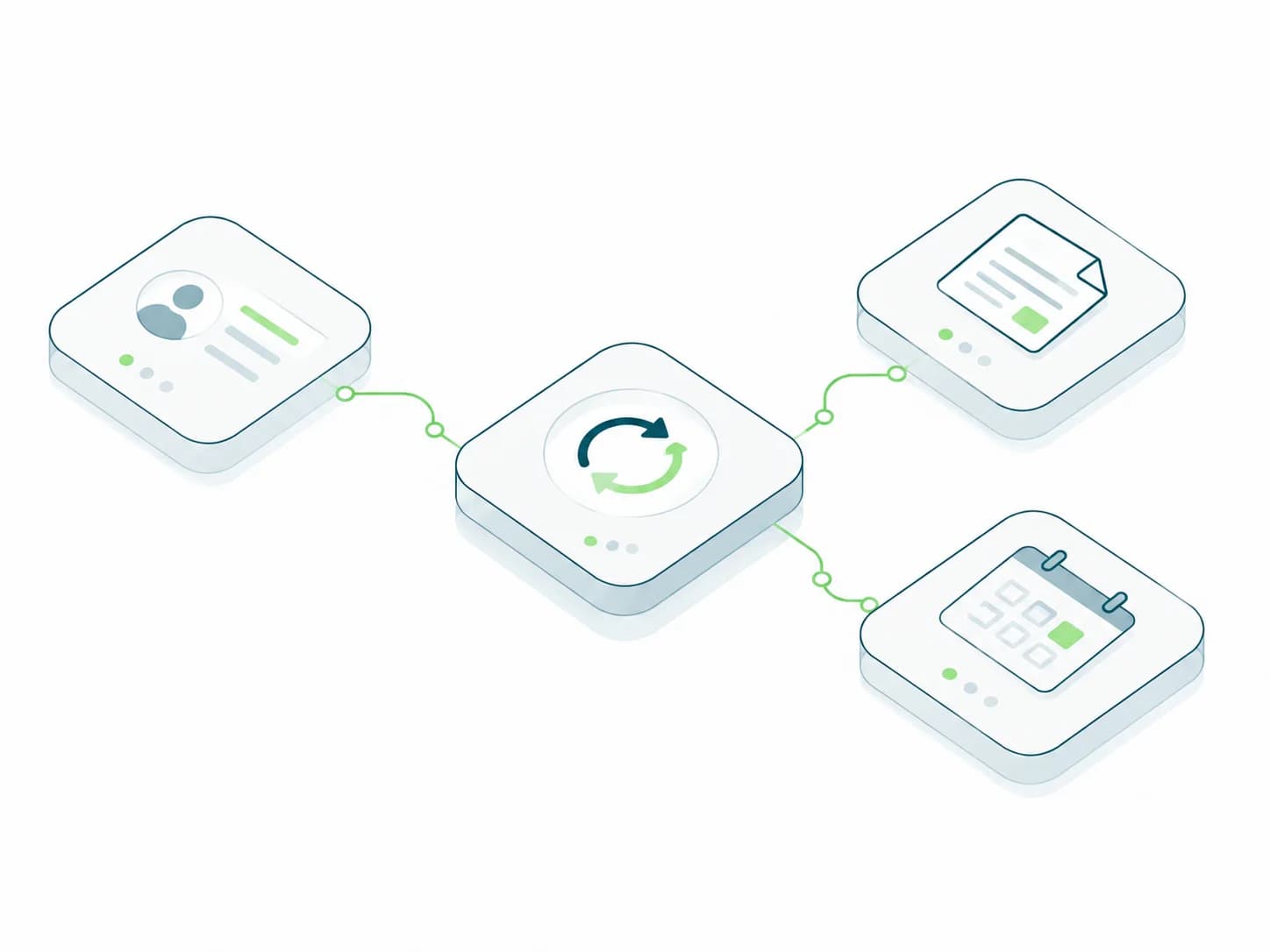
Your existing tools do useful work, but people still copy the same records, chase handoffs or reconcile reports between them. We help when those recurring gaps need business rules, reliable data movement and a clear recovery process.
We check whether a native connector, better configuration or an integration platform can meet the need before recommending custom development. A one-time export may only need a simpler approach.
The final scope depends on your systems and requirements. AI is included only where it helps the workflow.
Start with the work
Before
Someone searches three systems, copies details into a spreadsheet, checks a rule, and asks a colleague what to do next.
After
The system gathers the context, completes the safe steps, and hands the exception to the right person.
One connected path
A document, message, call, request, or new record enters the business.
It checks the right sources, business rules, account data, and previous actions.
It answers, drafts, updates, routes, schedules, or prepares the work for review.
Exceptions and sensitive decisions move to the right teammate with useful context.
Useful system patterns
The system should remove a real bottleneck and fit the way decisions are already made.
Search technical documents in natural language and inspect the supporting page and paragraph. TCE needed engineers to verify answers across bid packages, with permissions and document management around the search.
Connect records, requests and updates across existing tools, with clear rules for what happens next. For Ergo Global, this meant connecting chat and email support with follow-up workflows and explicit human handover rules.
Bring data, AI-assisted work, permissions, and review into one internal product. An anonymized repeat-client platform supports 44 internal users, 400+ connected properties, and around 220k rows per day on average. These figures describe platform scale, not measured savings.

Built around engineering bid work
Large bid packages can reach 5,000 to 50,000 pages. We built a document intelligence system that returns source citations, page references, exact paragraphs, and highlighted evidence.
Engineer interviews and client estimates indicate an 83% reduction in document-search time. This is an estimate, not a usage-log measurement.
Show us one workflow that takes too much coordination. We’ll discuss where it slows down, what needs to connect and the next step worth investigating.
Bring the names of the systems, one recent example, the person who owns the process and the exceptions that cause rework. A complete specification is not required.
The tools work individually, but people repeat data entry or coordinate the handoffs between them.
Check what information can move between systems, which record is authoritative and how exceptions will be handled.
A standard tool already covers the workflow, access controls, and integrations you need.
Test it with representative users and data before investing in a custom build.
An important workflow needs business rules, permissions or user experiences that available tools cannot support adequately.
Define one useful workflow, the checks it must pass and what will stay in your existing systems. Build only the missing capability.
If a decision depends on unresolved questions, investigate those questions first.
Read the guide to integrating, replacing or building business softwareHow we work
Each week covers whatever the project needs most: planning, design, development or testing. We start with your workflow and goals, agree what to tackle first, and adjust priorities together as the work takes shape.
Every build includes a 30-day bug-fixing period after completion, covered by us. Ongoing maintenance, AI tuning, and new improvements are scoped separately.
With a conversation about your workflow and what needs to change. From there we work week by week, covering planning, design, development and testing, and agree priorities together as we go.
The first-release scope, user roles, data quality, integrations, AI evaluation, design work, and deployment requirements determine the effort. Access, feedback, and third-party dependencies also affect timing. We share an initial estimate once we understand the work and revisit it with you as priorities change.
An owner who can make decisions, examples of the workflow and exceptions, access to the relevant systems and data where appropriate, and people who understand the users. We agree the inputs and review points before work starts. A complete technical specification is not required.
Marketing execution, staff augmentation, and unlimited revisions or support are outside our standard product-build engagement. We agree together what each phase includes.
Good candidates involve repeated requests, clear business rules, known sources of information, or a defined action that follows a decision. Document search, support triage, reporting, voice workflows, and operations tools are common examples.
Usually, if the required systems provide suitable APIs, exports, database access, or other approved integration paths. We confirm the available data and actions before defining the scope.
We compare the required fields, actions, permissions and recovery rules with the native connectors and integration platforms available. Custom development is appropriate when those options cannot support the workflow responsibly, rather than simply because several tools are involved.
We agree how to recognize repeated events, retry temporary failures, alert an owner and reconcile missed work. The workflow needs a visible recovery path as well as a working connection.
We define which actions the system may complete, which sources it may use, what evidence it must show, and when a person needs to review or take over.