Keep
The foundation is sound. We preserve it and focus on the workflows that need work.
The useful answer
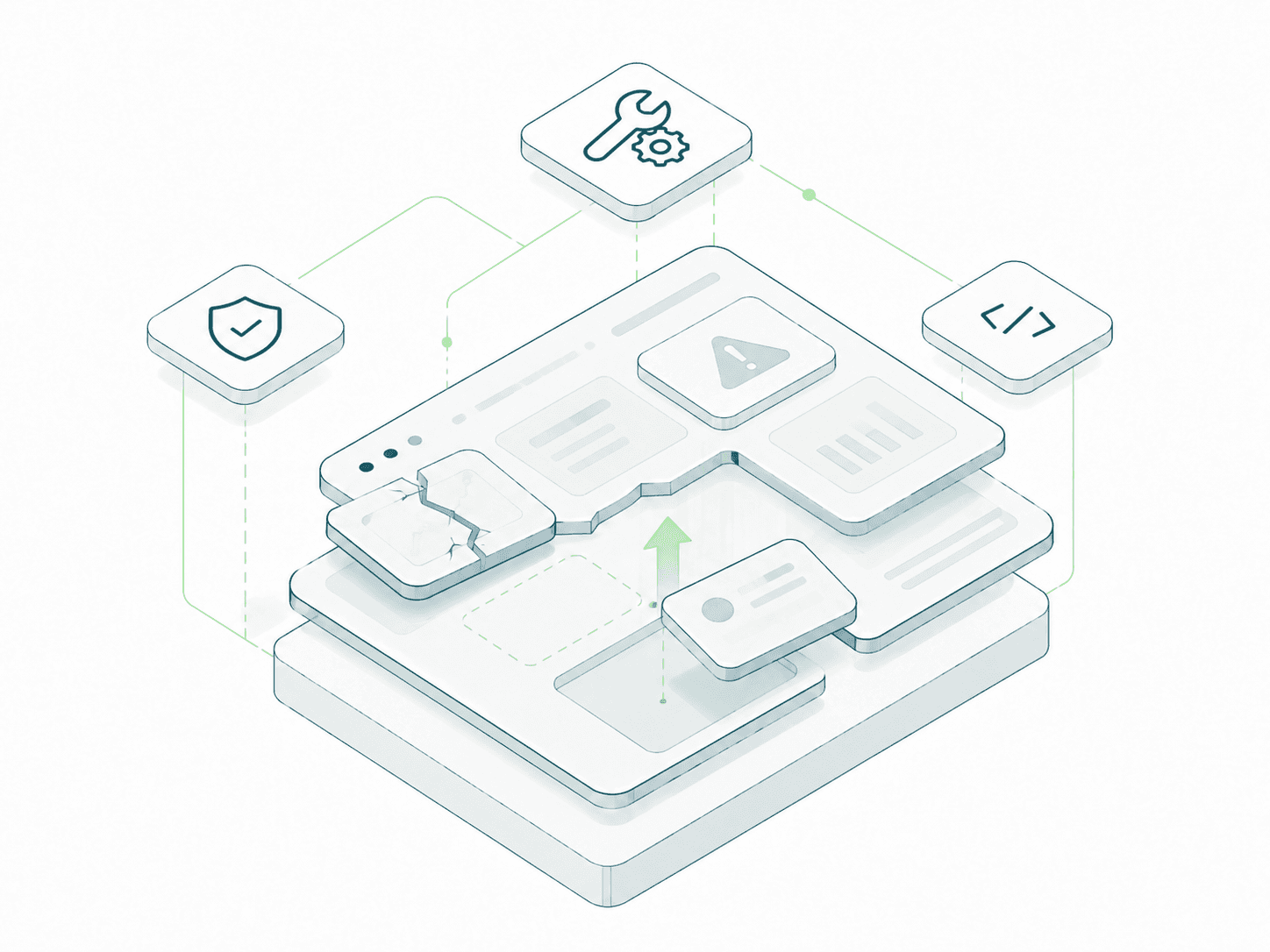
We separate visible symptoms from their causes, then compare the smallest useful repair with a gradual replacement or rebuild. The business rules and records people rely on stay part of that decision.
The foundation is sound. We preserve it and focus on the workflows that need work.
Specific parts are holding operations back. We define a replacement boundary and test the workflows that depend on it.
The current foundation makes safe changes harder than replacing it. We plan how to preserve the data and business rules as users move to the replacement.
The product direction or economics do not justify more development. A clear stop is better than an expensive patch.
What we inspect
An unreliable system can be caused by unclear rules, missing states, unreliable integrations, weak data boundaries or architecture that no longer fits the business.
Related guides
Eight business situations and the hidden rules to recover before changing them.
Assessment techniques for undocumented behavior, fragile integrations and release risk.
Decide what to stabilize, extend or replace while keeping the business running.
Quick rescue check
Where does your product stand?
A defined first engagement
Founders, executives, and teams on what it's like to build with Adamant Code, in their own words
Zoran Todorovic, Senior Partner, TNM Coaching
Patrick Besser, Data Engineer, TC Electric
Amrita Ghosh, Founder, Juggle Ease
Moving into production
The migration plan covers what happens to both old records and new work arriving during the change.
Clear boundaries
We inspect the workflows people depend on, code, data, integrations and release constraints. We compare a targeted repair, gradual replacement and a rebuild against operational risk, maintainability and the first useful improvement.
Yes. We preserve useful data, interfaces, integrations and code. We identify the business rules each replacement must retain and test those rules before moving users or records.
We agree a migration boundary, acceptance tests and a rollback plan before changing the live workflow. Depending on the system, we can compare old and new outputs in parallel, reconcile migrated records and move one group of users at a time. The plan must also cover changes made after the first data export.
A map of the affected workflow and dependencies, the rules and data that must be preserved, prioritized risks, and a recommendation for the first phase. We identify unresolved questions, access needs, acceptance checks and the assumptions behind the estimate.
For a separate engineering example of checking unreliable AI answers, read our article on numerical data and validation.
How to Make AI Lie Less About NumbersBring the current application and examples of where it gets in the way. We will discuss the priorities and what needs investigating.
Discuss your existing software