Web App or Mobile App for Your First Product Release?
Compare a web app vs mobile app for a first release with a task and device test covering offline work, camera use and rollout overhead.
Luka Abramovic3 min read
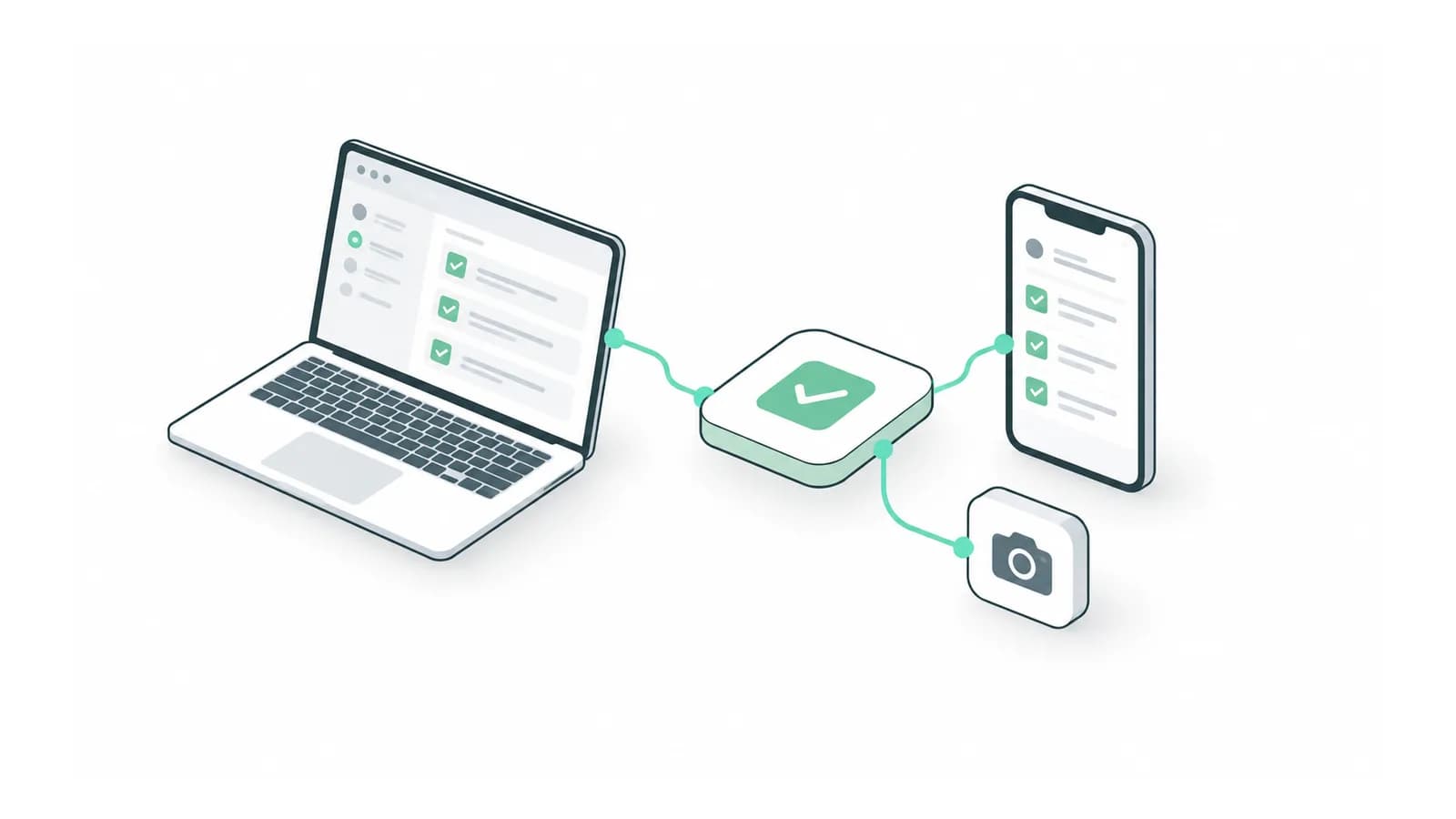
The web app vs mobile app decision for a first release should start with the hardest real task on the user’s actual device. Using a phone does not by itself establish a need for a native app. Camera capture, offline work, background activity or a device integration may change the answer, but each needs a concrete test.
Ask a prospective user to show where they will complete the task, which files they need and what happens when the connection fails. A desk-based workflow and an on-site inspection can require different releases even when both use forms.
Complete a device worksheet before choosing
| Task condition | What to test | Evidence to keep |
|---|---|---|
| Long input or document review | Read, edit and submit on the target screen | Errors and abandoned fields |
| Camera or file capture | Capture, attach, retry and resume | Device and file behaviour |
| Intermittent connection | Disconnect before and after saving | Which work survives |
| Return visits | Open the task from the intended entry point | Steps before useful work begins |
Use the device and browser your pilot users have. A desktop window resized to phone dimensions checks layout but does not establish camera, storage or operating-system behaviour. Record the tested versions so a later failure can be reproduced.
Define exactly what offline means
Separate reading previously loaded information, creating a draft and submitting an authoritative change. An offline interface can display a saved page while being unable to complete a server action.
MDN describes service workers as a way for progressive web apps to intercept requests and support offline behaviour. That is a capability to implement and test, not an automatic property of every web app. Check the current MDN offline operation guide against your required browsers.
For offline writing, test two edits to the same record before synchronization. Decide which change wins or how the user resolves the conflict. A native app does not remove that product decision. Put the intended outcome in the worksheet.
Count what the team must release and support
In an illustrative plan, a browser product has one customer interface and one backend. Adding separate iOS and Android interfaces creates three customer interfaces if the browser remains supported. Shared code may reduce implementation work, but supported devices and release routes still require checks.
List who deploys each surface, how a failed release is recovered and how users receive updates. Ask for a working demonstration of the most uncertain capability before committing the rest of the scope. It should produce evidence that can change the platform choice.
Choose the smallest route that passes the task test
A practical default is a browser release when users can finish the task there and can be reached with a link. Prefer a native route when a tested requirement makes it necessary or materially improves the task. This is a scoping judgment, not a platform ranking.
Write the choice, the evidence and the condition that would make you reconsider. For example, a future requirement for a particular device integration should trigger a fresh capability test. That record keeps the first release tied to observed use rather than an imagined finished product.
Bring the core task and the devices your first users have. We can test the capability that should decide the first release platform. Discuss the first release with Adamant Code.