How to Add AI to an Existing App Without Rebuilding the Product
Add AI to an existing app through a bounded feature, existing product actions and regression tests that preserve account and data rules.
Luka Abramovic3 min read
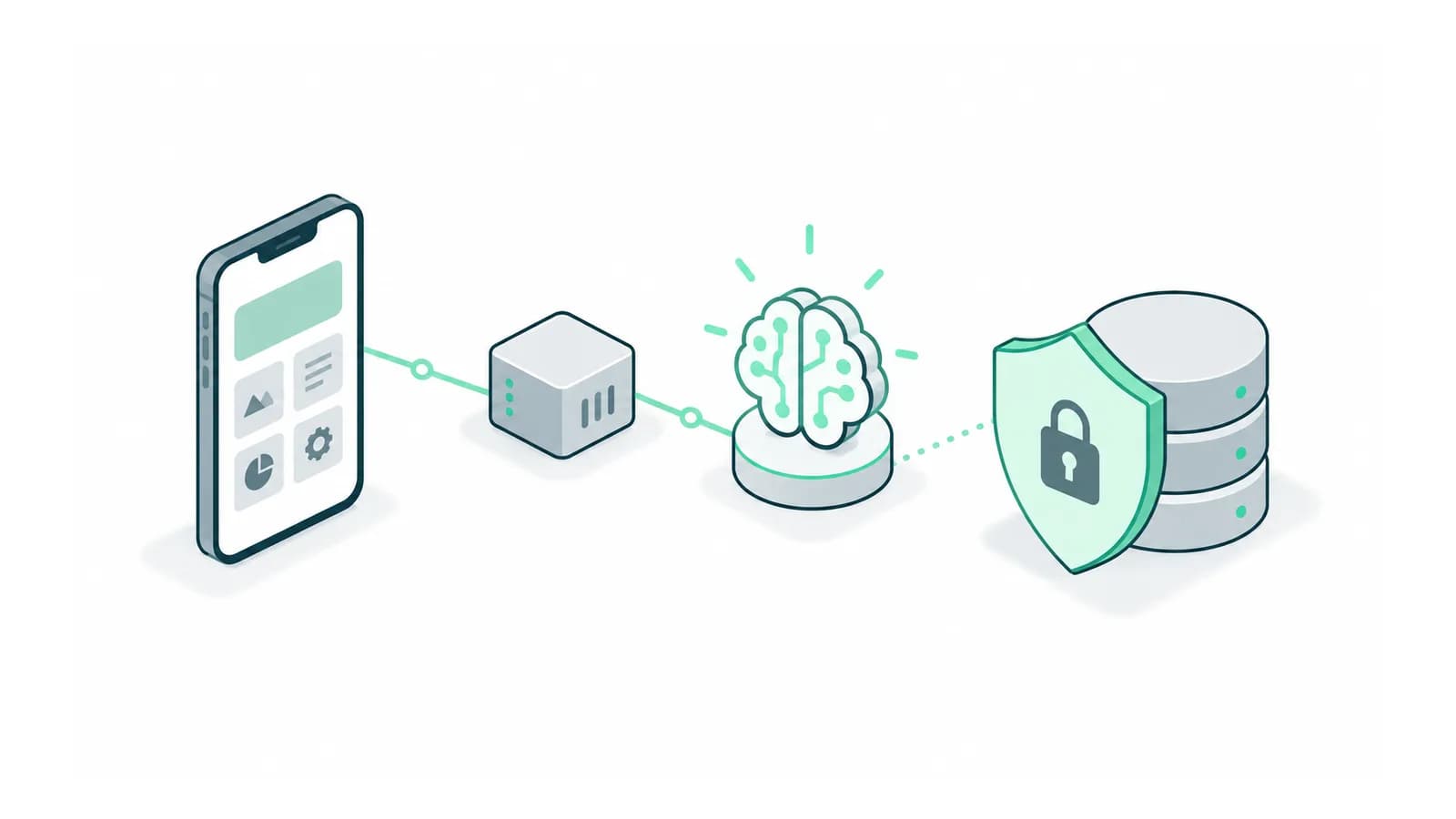
To add AI to an existing app, define one task the AI will help interpret or complete and connect it to the product’s existing capabilities. Keep account ownership, authoritative records and established rules in the product that already manages them. A new conversational interface should not become an alternate route around those rules.
Adamant’s contribution to Juggle Ease was an AI feature connected through the existing app’s API, rather than the entire app or its existing API. The Juggle Ease case study shows that contribution boundary. Use the same discipline when defining responsibility for your own feature.
Write the feature boundary before choosing a model
User task the AI will support
Inputs the feature may read
Proposed product action
Existing API or service responsible for that action
Required user permission
Information that must be confirmed
Result returned from the authoritative product
Fallback when AI is unavailable
How the feature can be disabled independently
Start with one action, such as preparing a task update for review. Specify what the feature cannot do. The model may interpret an ambiguous request, but the existing application should still decide whether the user may update the target record.
Separate interpretation, validation and execution
Have the AI produce a proposed action with explicit fields. Validate the target, required values and permissions before execution. If a required date is missing, ask for it. Do not let a plausible generated value become a confirmed customer instruction.
After execution, read the actual result from the product. A model saying that it updated a task is not evidence that the update succeeded. Return a success message only when the authoritative action confirms it, and preserve a pending or failed state when the outcome is uncertain.
Test both entry routes against the same rules
Run the same allowed and denied action through the normal interface and the AI feature. Both should respect the same ownership and lifecycle rules. Include a deleted target, an old record version and a user whose access changed after the conversation began.
In an illustrative release with four existing task actions and one new AI entry point, testing only the new conversation leaves the four established actions unchecked for regressions. Keep the original workflow tests and add the new interpretation and confirmation cases.
Release a feature you can isolate
Choose a limited pilot group and an explicit way to disable the AI route while preserving the existing task interface. Verify that turning it off does not prevent users from reading their records or completing work manually.
Track interpretation failures, denied actions, execution failures and user cancellations separately. They point to different fixes. A permission denial may be correct behaviour, while an execution failure needs investigation even if the conversation sounded natural.
Finish with a demonstration of the feature unavailable, an action rejected and an action completed. This shows the founder what happens beyond the successful demo and keeps the AI addition bounded enough to operate inside a live product.
Bring the existing app and one action users struggle to complete. We can define a bounded AI feature and the product rules it must preserve. Discuss the first release with Adamant Code.