Turning an Internal Tool Into SaaS Without Carrying Hidden Assumptions
Turn an internal tool into SaaS with a customer-assumption audit covering organization boundaries, defaults, onboarding, exports and support.
Luka Abramovic3 min read
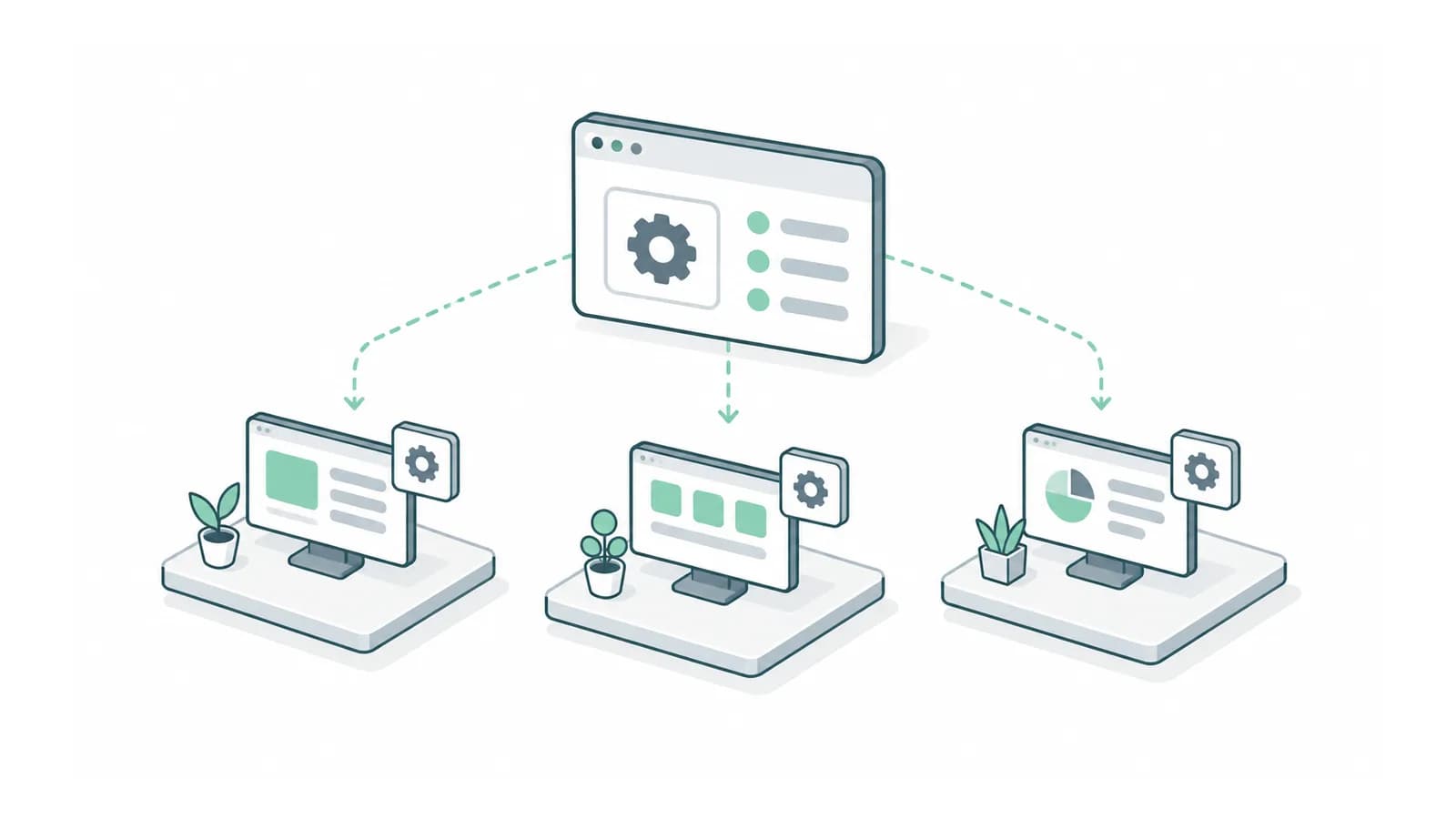
To turn an internal tool into SaaS, identify everything the tool assumes about the company already using it. Default departments, shared folders, familiar terminology and a trusted support person may all be invisible dependencies. A new customer needs explicit setup and boundaries where employees previously supplied shared knowledge.
Start by creating a blank organization in a test environment. Give it different terminology and no inherited records. Ask someone unfamiliar with the original company to complete the core task. Keep every question they cannot answer from the product.
Audit the assumptions in one complete workflow
| Internal assumption | Customer product question | Test |
|---|---|---|
| Everyone uses the same department list | Who configures departments? | Create a different organization structure |
| One shared file location | Which customer owns each file? | Attempt cross-customer access with test accounts |
| Staff know what a status means | Where is the next action explained? | Observe a first-time operator |
| Founder fixes unusual records | How does support investigate? | Resolve a reported failure from its reference |
Check imports and exports as well as screens. A template containing the original company’s categories can make a new customer appear incorrectly configured before they have used the product.
Trace customer identity through every operation
AWS’s SaaS Lens distinguishes tenant isolation from authentication. A successful login does not establish that every operation is restricted to the correct customer.
Ask the developer to trace one uploaded file from the request through storage, a background job and the download result. Record how each step knows the customer context. Include search, caches and notifications. A background process that loses the customer identifier can cross a boundary even when the original screen was correct.
Price the operational workload in hours first
Use an illustrative setup process with two hours of configuration and one hour of data cleanup per customer. Ten customers need 30 hours of onboarding before support is counted. If a shared configuration improvement removes one hour from each setup, it removes ten hours from that cohort’s work.
This arithmetic does not forecast revenue or profitability. It identifies the repeated operating step worth investigating. Track setup time separately from one-off product development so you can see which manual work grows with every customer.
Run a second-customer acceptance test
Create two test organizations with different settings. Complete the same task in both, export their results and compare the terminology, ownership and data boundaries. Then change a setting in one organization and confirm the other remains unchanged.
Have support investigate a failure through its intended support route. Record who can grant that access, what it exposes and how it ends. Do not make permanent universal access the accidental answer to every support problem.
Finish with a readiness list covering blank setup, customer-specific configuration, isolation, export and support. If the tool only works after copying the first company’s data and explaining its habits, the next release still needs product work beyond a new logo.
Bring the internal tool’s setup steps and one workflow. We can identify which company assumptions must become explicit product behaviour. Discuss the first release with Adamant Code.