Private Project Sharing Without Making the Whole Project Public
Define private project sharing permissions for discovery, invitations, files and revocation with a focused acceptance matrix.
Luka Abramovic3 min read
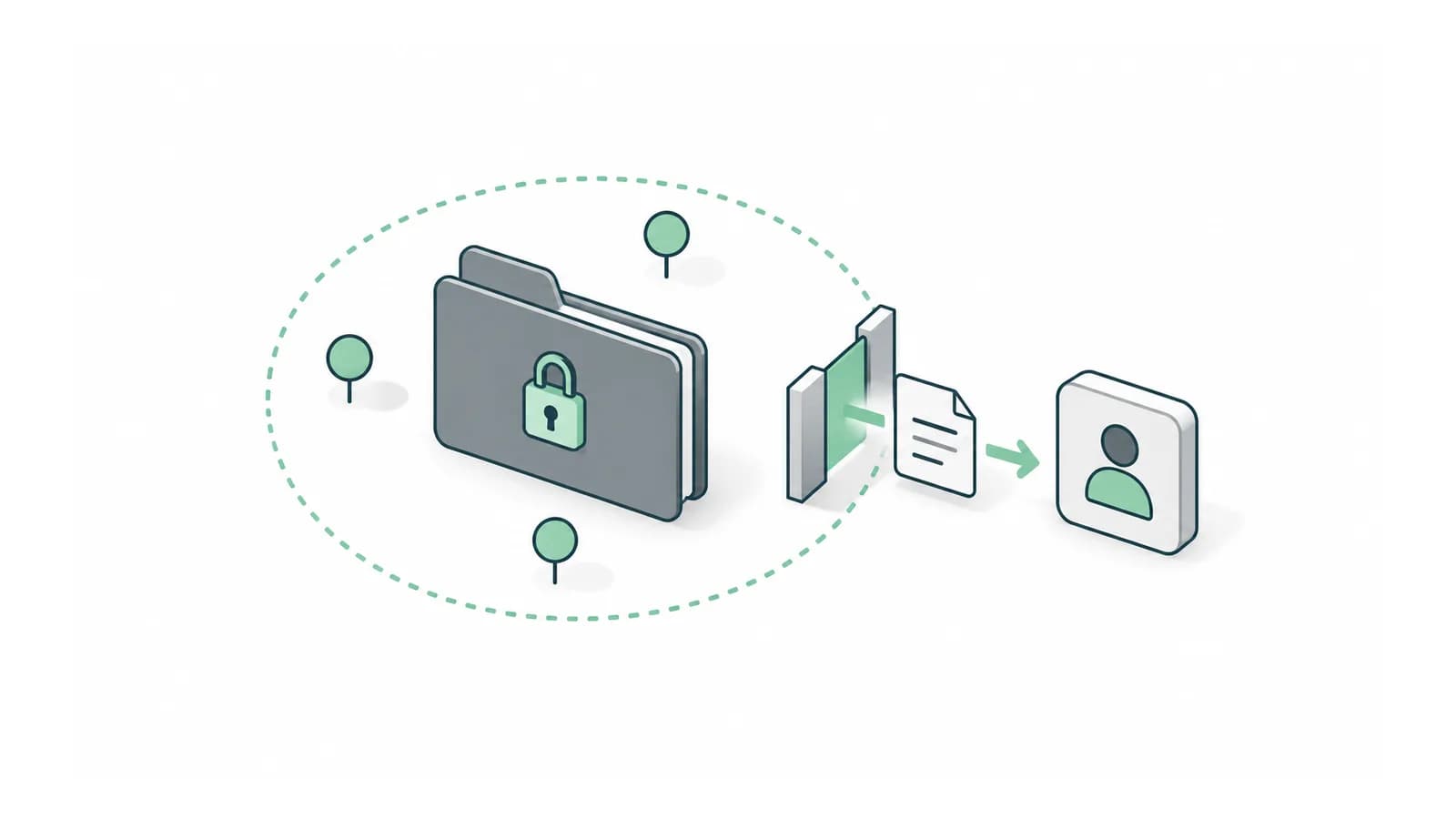
Private project sharing permissions should separate four decisions. Who can discover the project, who can open it, what they can see and what they can do next. Inviting one person to discuss a project should not silently place the project in a public directory.
Begin with the owner’s intended audience. Write the sharing promise in plain language before designing the invite button. If the promise is one invited reviewer, the implementation must preserve that boundary through attachments, messages and follow-up links.
Complete a sharing matrix for one project
| Surface | Owner | Invited reviewer | Uninvited account |
|---|---|---|---|
| Search listing | Visible in own workspace | Only if explicitly intended | Absent |
| Project brief | Full access | Shared fields only | Denied |
| Attachments | Own files | Explicitly shared files | Denied |
| Conversation | Participant access | Participant access | Denied |
| Invite others | Allowed under product rules | Separate permission decision | Denied |
This is an illustrative private-review design. Replace it if your product intentionally allows link-based access. In that case, state what possession of the link permits, whether it expires and how the owner revokes it. Do not mix the two models without explaining the difference.
Check what leaves the project indirectly
Trigger the invitation and inspect its subject, preview and destination. An email can expose a project title or sensitive summary before the recipient opens the application. Decide which information is appropriate in the notification and keep the rest behind the intended access check.
Repeat the inspection for file links, exported reports and conversation notifications. Apply the same sharing decision to these routes. A private screen does not make a separately downloadable file private.
Test revocation through every entry point
Invite a test reviewer, open the project and retain the links used during the test. Remove access, then revisit the project, attachment and conversation routes. Agree what happens to an already loaded page and make clear that revocation cannot erase a copy someone already downloaded.
In an illustrative product with a project page, two attachments and a conversation, revocation has at least four resource routes to check. Testing only the project page leaves three possible gaps. Add other routes as the product grows.
Preserve privacy when the workflow changes
Start a conversation from the private project, then create an offer or review request. Inspect whether either action changes visibility. A convenient transition can accidentally reuse a public-project creation path and widen discovery.
Use the general action and ownership rules in the earlier permissions matrix, then add these sharing-specific cases. OWASP’s authorization guidance also covers checks on static resources, which is relevant when files are served separately from application pages.
Finish by asking the owner to identify exactly who can see each part of the project. If the sharing screen cannot answer that question, revise the product language and access display before adding more sharing options.
Bring the private project flow and its invitation message. We can check whether every entry point preserves the owner’s intended audience. Discuss the first release with Adamant Code.