How to Save Progress in a Multi-Step Form Without Losing User Work
Define multi-step form save progress with an interruption matrix covering drafts, uploads, failed saves, concurrent tabs and returning users.
Luka Abramovic3 min read
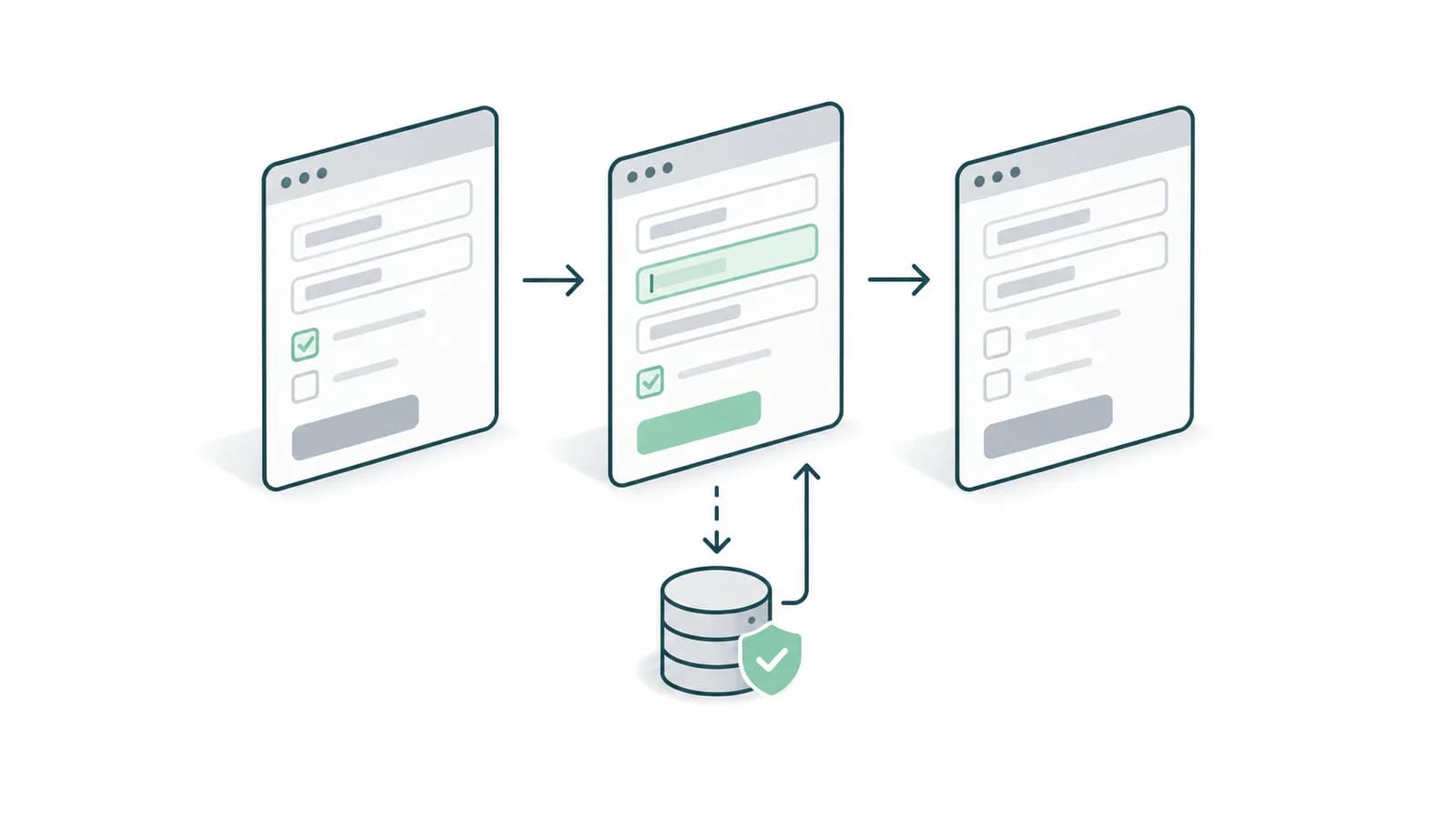
Multi-step form save progress behaviour should answer a simple question. What work can the user safely expect to find when they return? A green saved label is a promise about persistence. Show it only when the product has confirmed the intended save, and make a failed or pending save distinguishable.
Long expert workflows often include uploaded evidence, structured answers and generated drafts. These do not necessarily save at the same time. Test them separately before treating a completed screen as a completed draft.
Define the draft before choosing autosave behaviour
Give each draft a stable identifier and record its owner, current revision and last confirmed save. Decide whether saving incomplete work is allowed independently of submitting a complete request. A required field should prevent submission when necessary without necessarily preventing the rest of the draft from being preserved.
Write the intended behaviour for navigation, sign-out and returning on another device. If the draft exists only on one device, do not imply that signing in elsewhere will restore it. Match the interface promise to the storage design.
Use an interruption test matrix
| Interruption | Expected evidence | What to inspect |
|---|---|---|
| Refresh after confirmed save | Latest confirmed revision returns | Fields and draft identifier |
| Connection lost during save | Pending or failed state remains clear | No false saved message |
| Upload interrupted | File is pending or retryable | No broken completed attachment |
| Old tab saves later | Conflict is handled explicitly | Newer work is not silently overwritten |
| Sign in on another device | Behaviour matches the stated promise | Server-saved draft and file access |
Perform each test immediately before and after the save boundary. That distinguishes data the product never received from data it stored but failed to acknowledge.
Protect newer work from an older tab
Open the same draft twice. Change a field in the first tab and save it. In the second tab, change a different field and save the older form. Inspect both values afterwards. Replacing the entire record with the second tab’s old copy can erase the first edit.
Ask the team how it detects that the revision has changed. One approach is to compare the revision the user edited with the current stored revision and require a conflict decision. The appropriate merge behaviour depends on the fields, but silent loss should not be an accidental default.
Separate preserving work from spending usage
Saving an input should not automatically regenerate every paid output unless that is the product’s explicit behaviour. Keep the last generated result with the input revision that produced it, and make a new generation an identifiable operation.
In an illustrative five-step form with three editable field groups and two uploads, checking only the five Next buttons leaves upload persistence and interrupted saves untested. Add the five interruption cases above to the real objects involved. Count completed test cases rather than assuming five working screens prove draft recovery.
Finish by returning to an unfinished draft through the normal dashboard. Confirm the user can identify it, see its saved state and resume at a useful point. Recoverable work still has little value if users cannot find it again.
Bring the longest form and its save behaviour. We can define the interruption tests that protect the work users have already done. Discuss the first release with Adamant Code.